See what to do.
A pictogram or photo makes each action concrete. There is room for your own images, too.
A little more clarity. One step at a time.
A clear step. A visual cue. Time to do it.
Pazapaz supports the little routines that make up a day.
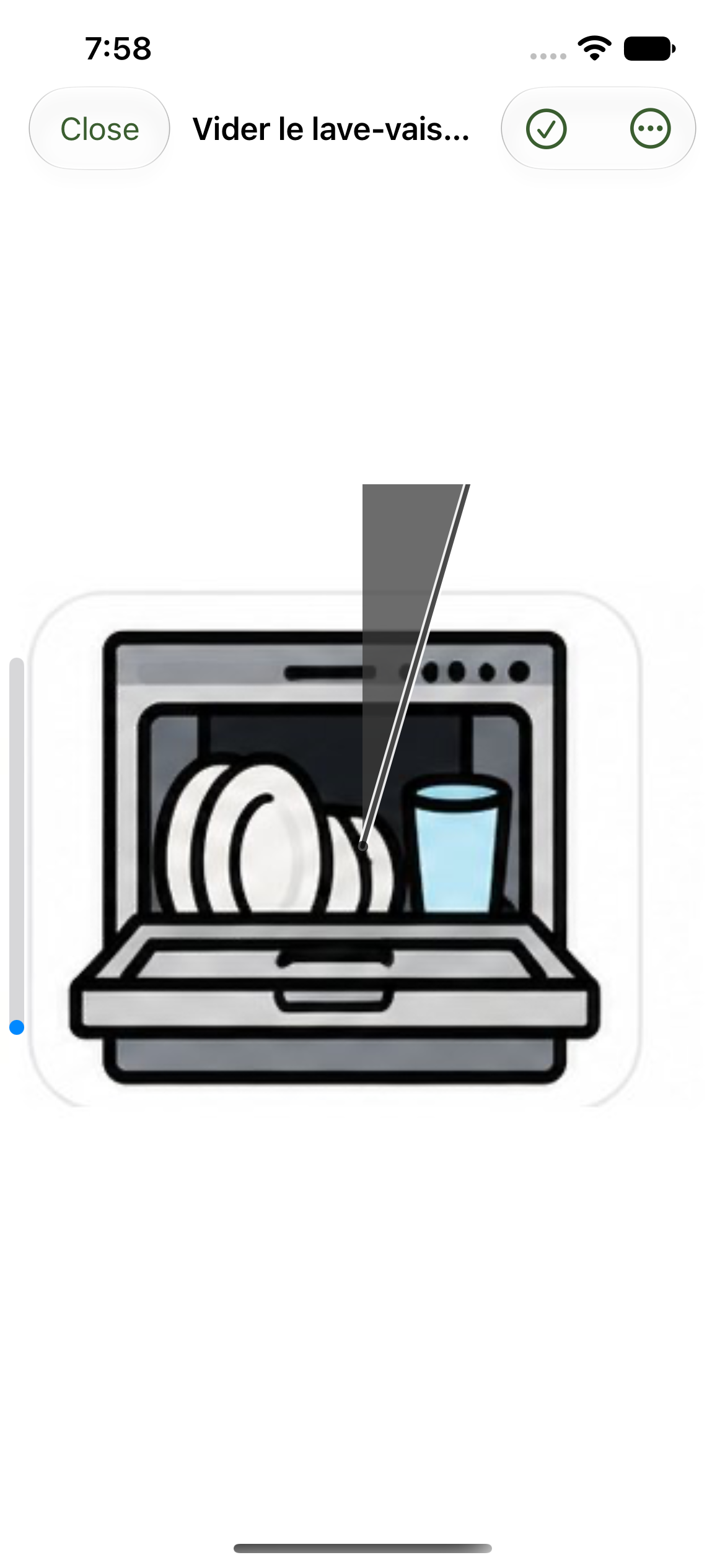

Actual beta app screens. Interface and visuals may change.
Build a routine your way, then give each step its own space.
A pictogram or photo makes each action concrete. There is room for your own images, too.
A visual dial accompanies timed steps. Pause, resume and stop are always accessible in the menu.
A checklist brings together the little things to remember, with images and boxes to tick.
Missions
Put three things away. Pack a bag. Send a few steps to a linked device. With the waiting option enabled, a mission waits until the routine is finished before notifying the person.
Manage routines on iPhone or iPad. Follow them in Visual mode on the same devices, or use the Apple Watch app.
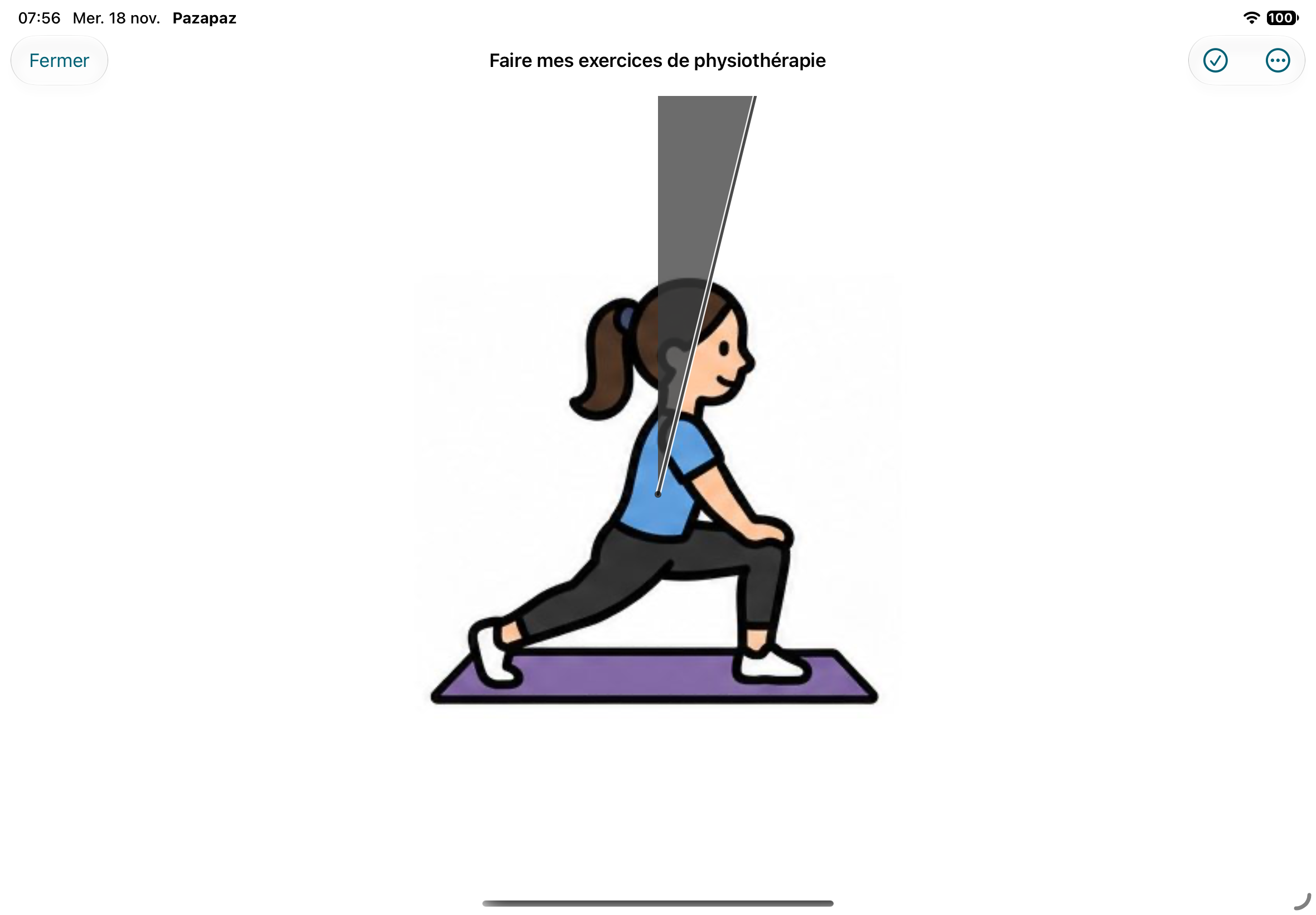
Actual beta app screens. Interface and visuals may change.
Add a person, a routine and a few steps. Choose images and durations that work for them.
Use Visual mode directly, or link another device with a code or QR. The linked device does not need access to management controls.
Adapt the order and durations as you go. Observed durations help you find a realistic pace.
No. Visual mode runs directly on iPhone and iPad. The Apple Watch app provides another way to follow routines.
Children and adults who appreciate visual, sequential instructions, and the people supporting them. Pazapaz is an everyday organization tool, not a medical device.
Yes. Choose pictograms from the library or use your own photos and drawings to make steps more familiar.
An Internet connection is needed to sync routines and missions across devices. Notifications must be enabled to receive reminders.
Install TestFlight on your iPhone or iPad, then open the invitation link below. Availability depends on a build approved for external testing and available places. Current versions require iOS or iPadOS 17 or later; the watch app requires watchOS 10 or later.
An Android version is planned for consideration after the first Apple release. It is not available yet.
Pazapaz is in beta. Try the app and help us make it clearer, smoother and more useful.
Try the beta ↗